
An AI marketer
for everyone
Your own AI marketer builds the campaign and manages the results.



Ad library 24,303 ads
Competitor references, still stacking up
AI ad creative production
From generation to 1,414-placement resizing
5+ channels, automated ops
Sound familiar?
Hand it to your AI marketer
Meta ads — Story, Feed, Reels all need different sizes. How do you all handle this?
Is this ROAS even normal? Could someone sanity-check it?
Everyone seems to be moving to Advantage+… am I falling behind?
Pixel is installed but conversions aren't tracking. Where do I even start?
Drop in your product page — done.
AI analyzes your product and proposes the best ad strategy.
Paste your product page URL
Instagram Story
saltair
Sponsored
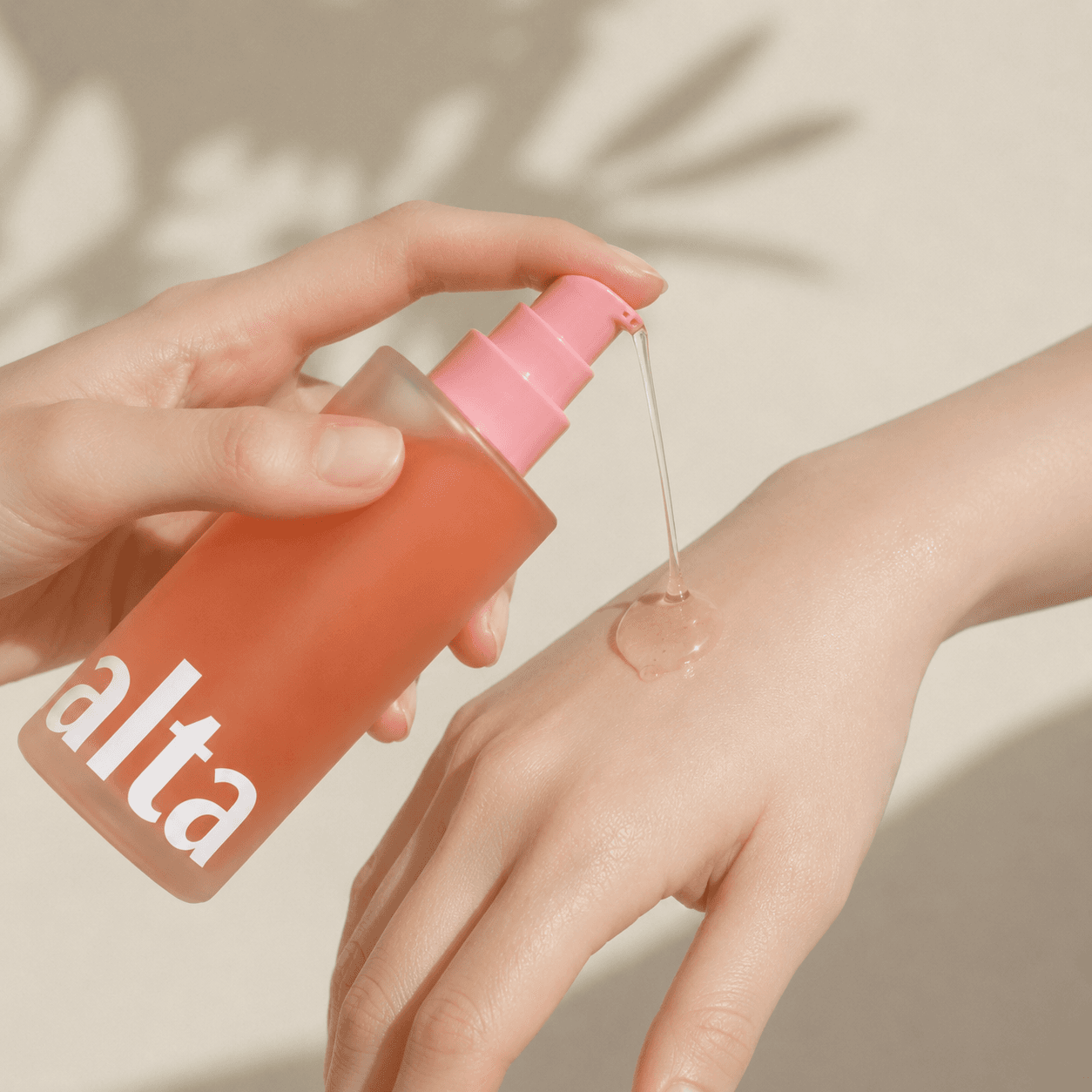
A body oil that fills your skin overnight. Soft pink glow, fast absorption.
SALTAIR.KR
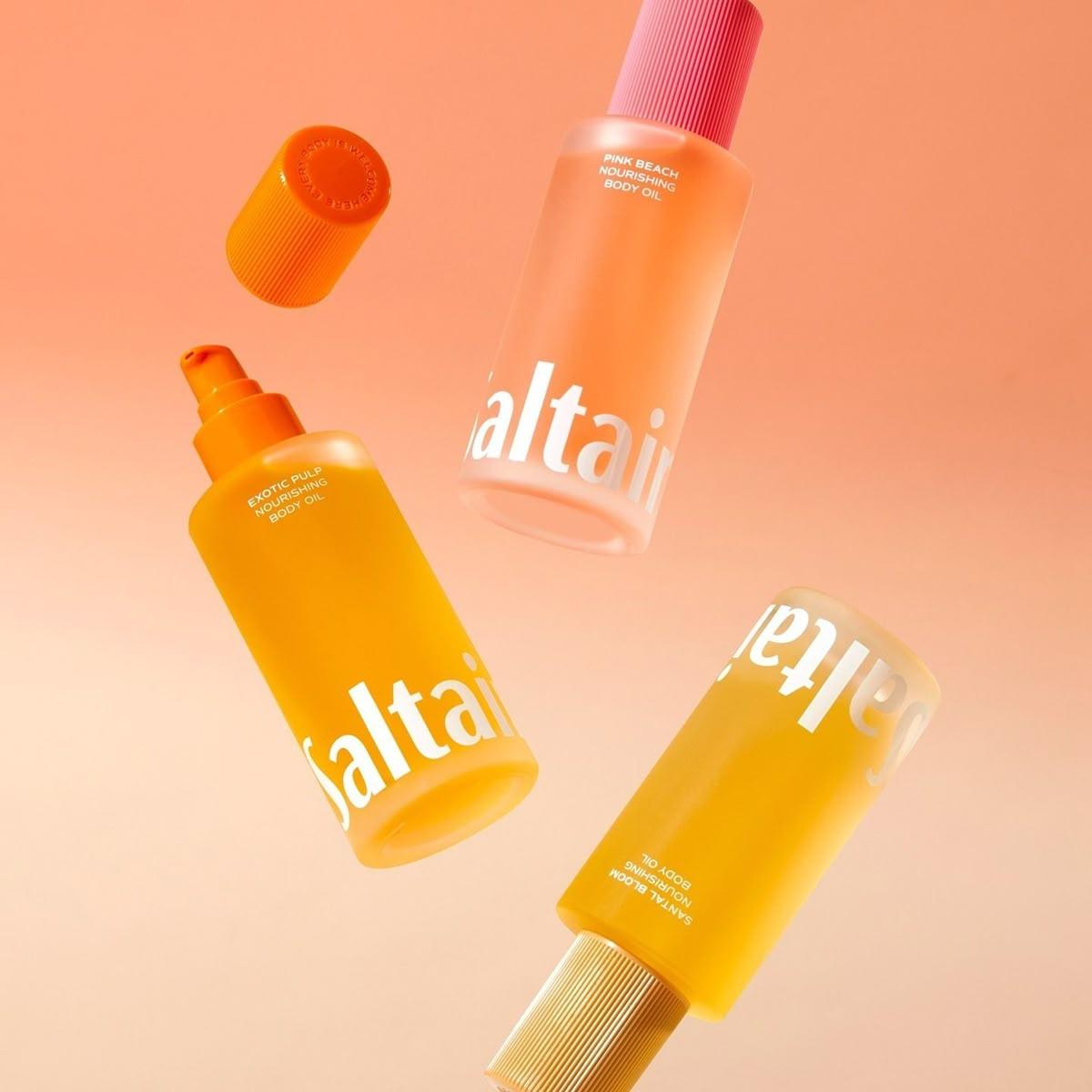
PINK BEACH — 30% off first order
Meta Feed
Free shipping on everything
Three minutes after the shower is all it takes. Vegan body oil, full-body glow.
Google Search ad
How your AI marketer works
01
It analyzes your product




02
It builds the plan
03
AI creates the creatives
04
It publishes across every channel
05
It manages performance around the clock
When you're stuck,
ask your AI marketer
An AI trained on marketing, answering from facts.
Always in sync with the latest channel updates
When something breaks, it finds the cause and the fix
It mines marketing big data for insights and proposals
Ask from the side panel on any screen in the product.
500+ business accounts are already on board
"With AI backing me up, I can give every advertiser real attention. Reports generate themselves, the numbers hold up, and my clients are happier for it."
Sophie
Agency marketer · 7 yrs
"A single price change used to mean waiting on the design schedule. Now simple design fixes end in Imagefactory, and campaigns stop getting pushed back."
Daniel
In-house marketer · 12 yrs
"Planning, creatives, publishing — it's all on me, so I've tried countless AI tools. Each had trade-offs. Now Imagefactory covers it all in one place."
Mia
Solo marketer · 3 yrs
"Looking up design guides for every channel was a job in itself. Design rules, safe zones, file formats — all applied automatically, so I just focus on the design."
Leo
Designer · 2 yrs
Frequently asked questions
Can I make ad creatives without a designer?
Yes. Drop in a product photo or URL and finished drafts come out. Edits work by pointing at what to change, so no design tools required. With a designer on board, the banner workspace lets you polish results even further.
Meta ads need different sizes for Story, Feed, and Reels — how do you handle that?
Pick one draft and it converts to every placement spec automatically. Key elements stay inside each placement's safe zone, and file size and format follow each channel's rules.
Can I edit or adapt images I already have?
Yes. Even without the original PSD or layers, it recognizes elements in a finished image so you can edit them and adapt to other placement specs.
Can I publish the creatives as ads directly?
Yes. Connect your Meta, Google, TikTok, Naver, or Kakao account and go from creative production to campaign publishing on one screen.
Does it help with ad operations too?
It gathers per-channel results on one screen and sends alerts with suggested responses when budgets deplete, performance shifts, or delivery breaks. Proven creatives get refreshed variants — same message, new visuals.
Can the AI marketer spend my budget without approval?
No. Turning campaigns on and changing budgets only ever run after your approval, and every action is logged.
How much can I use for free?
Ad operations — publishing, the results dashboard, issue alerts — are free. Creative production uses points, and you get free points to try it the moment you sign up.
Can teams managing multiple advertisers use it?
Yes. Assets and ad accounts are separated per advertiser, so teams running multiple brands stay cleanly organized.
Start your next campaign
with your AI marketer
Ad operations free · creative points included at signup