
How can we help?
Everything about using Imagefactory and the questions people ask most — from getting started to pricing and plugins, all in one place.
Get started in 3 steps
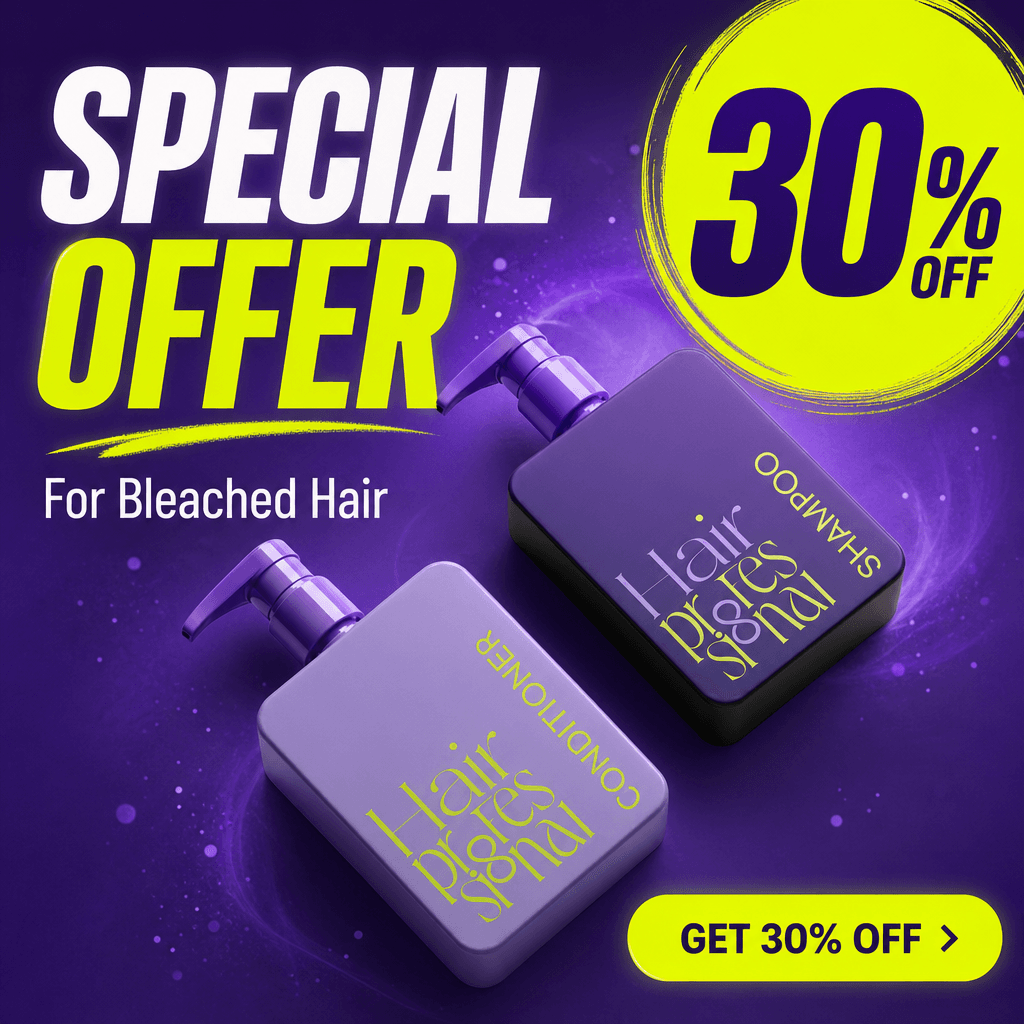
Sign up and create
Sign up and get enough points for about 10 banners. Describe the creative you want and AI generates the drafts.
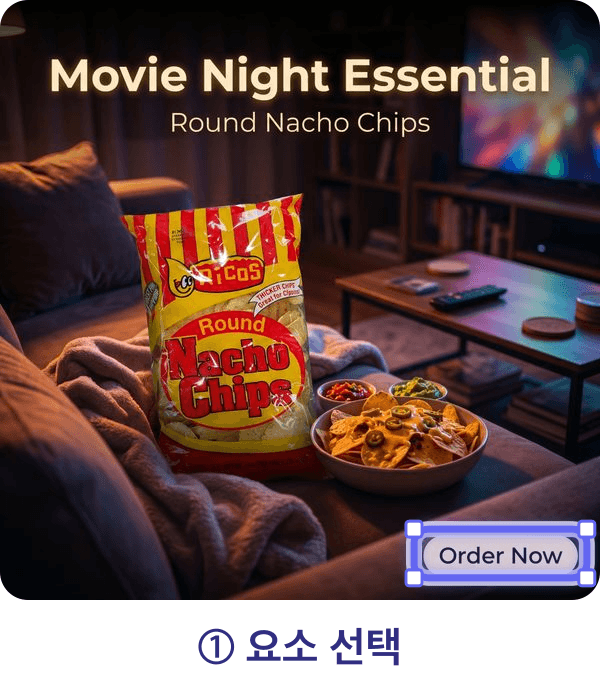
Pick one and edit just a part
Choose the draft you like, then edit only the element you pick — price, copy, and more. The rest of the design stays untouched.
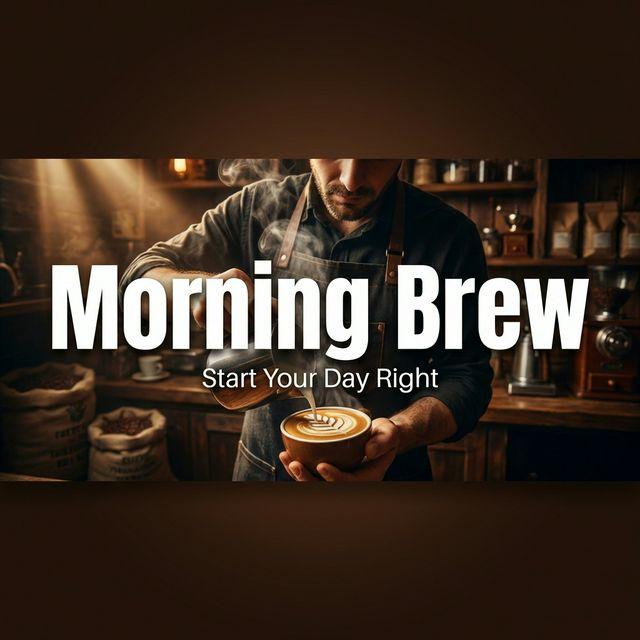
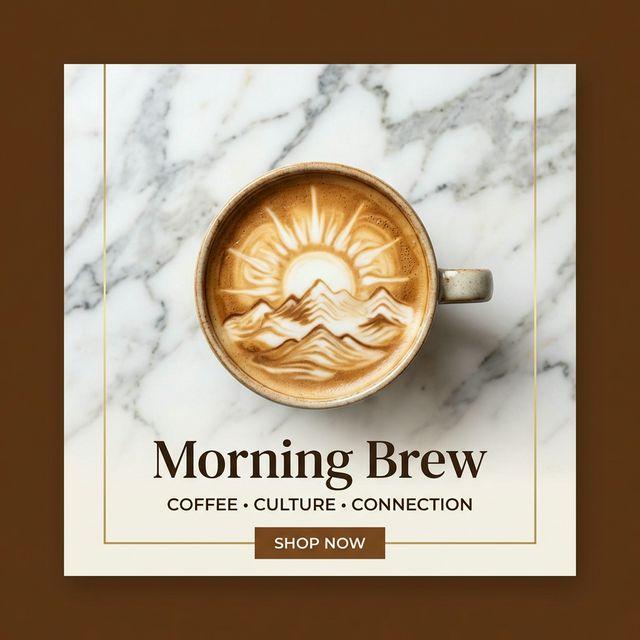
Expand to every size and download
Auto-expand the finished creative to over 1,000 placement sizes and download right away.
Getting started
What is Imagefactory?
A tool that creates ad and marketing creatives with AI and auto-expands a single design to over 1,000 placement sizes. You can edit only specific elements like price or copy, and it works on the web, Figma, and Photoshop.
How much can I use for free?
Just sign up and get enough points for about 10 banners. On top of that, a 14-day free trial unlocks more, and referring others earns you unlimited points.
Where and on which platforms can I use it?
It supports major ad platforms including Meta (Facebook, Instagram), Google Ads, and YouTube. Use it on the web, or through the Figma and Photoshop plugins right inside your existing workflow.
How is this different from Canva Magic Resize?
Canva just changes the canvas size and makes you rearrange elements one by one, while Imagefactory auto-expands one design to over 1,000 sizes and preserves safe zones, text, and your product. No re-fitting the design for every size.
Canva comparisonHow to use
Can I make one banner in many sizes at once?
Yes. Create one draft and it auto-expands to over 1,000 placement sizes across Meta, Google, YouTube, and more. Sizes with the same ratio are generated once for speed, and safe zones, file size, and formats are applied automatically per platform.
Try resizeCan I edit only specific parts like price or copy?
Yes. The design is separated into layers, so only the element you choose changes while the rest stays the same. No source PSD needed. In the banner workspace, pick the part to edit and enter the new value.
Open banner workspaceIsn't editing with AI a hassle?
Most AI editing regenerates the entire image, so you can't touch just one part. Imagefactory separates the design into layers, so you edit only the element you pick — price, copy and more. No source PSD needed, on the web, Figma, or Photoshop.
Will AI break my text or non-Latin characters?
Most image-generation AI draws letters as pictures, so non-Latin scripts like Korean or Japanese and longer copy often break. Imagefactory treats text as a layer and keeps exactly what you typed.
Text accuracy guideWill my product look different from the real thing?
Your original product is preserved. It appears in the creative exactly as it is, with no shape distortion.
Ad specs change often — are they kept up to date?
Create once and it auto-expands to over 1,000 placement sizes. Safe zones, file size, and formats are applied automatically from the latest platform guidelines, so nothing gets cropped or cut off. Our media guides are updated regularly, so they always follow the latest specs.
How do I search for the platform or size I need?
Search by platform name or by size. Type a spec like "1250x560" (spaces, ×, and * all work), or just one number like "1080" to see every placement whose width or height matches. Ratio queries like "9:16" and platform aliases work too, and mixed queries like "kakao 500x500" return only placements matching every condition.
Browse media sizesWhat does the shield icon in the size list mean?
It marks placements that have a safe-zone spec. Hover the icon to see the exact top/bottom/left/right margins. Resizing respects the safe zone so text and logos are never cropped, and you can also set safe-zone margins on custom sizes you enter yourself.
Will text or logos get cut off in Instagram Stories or Reels?
No. Key elements like text, logos, and products are placed inside the safe zone that avoids the Stories/Reels UI (top profile, bottom buttons). Safe-zone rules are kept up to date per platform.
Safe zone guideWhat if the platform or size I want isn't listed?
You can enter the exact dimensions and create it right away. If you need a specific platform guide (safe zones, file size, format), ask us via chat and we'll add it to the latest spec.
Creative fatigue means I need fresh variations often — can I make them fast?
Yes. You can quickly produce variations of an existing draft — changing color, copy, or layout — so you can ship several fresh versions of the same concept and rotate creatives often.
Creative fatigue guidePricing & points
How does pricing work?
It's a point-based subscription with a 14-day free trial. See the pricing page for the points and price of each plan.
See pricingHow are points used?
Points are spent on actions like generating and editing images. Each subscription plan grants points monthly; if you run low you can top up or move to a higher plan. You can also earn points by referring others.
How do I start or cancel the free trial?
Start the 14-day free trial from the pricing page. Cancel within the trial period and you won't be charged.
Start free trialHow do I get a refund?
Payments and unused points can be refunded under our refund policy. See the refund policy page for the details.
Refund policyPlugins & integrations
Can I use it in Figma or Photoshop?
Yes. Figma and Photoshop (Adobe) plugins let you resize and edit right inside your existing workflow. See the plugin page for installation.
Plugin guideCan I publish my creative straight to Facebook or Instagram ads?
Yes. Connect your ad account and Imagefactory can create the campaign, ad set, and ad directly on Meta. They are created paused for review, so you publish when ready.
Connect Meta adsIs there an API?
Yes. We provide a developer API. See the developer docs for authentication, endpoints, and pricing.
Developer docsAccount & more
Can I use the generated images commercially in my ads?
Yes. Copyright of the generated images belongs to you (Terms of Service, Article 7), and you are free to use them commercially, including in advertising.
Terms of ServiceCan my team use it together?
Yes. A team can share a points pool and invite members to work together. Contact us below for details.
Can't find your answer?
Reach out below and we'll get back to you quickly.
webmaster@imagefactory.co.kr
Try it on your own creative
One master creative becomes every placement size — with the text preserved exactly. 14-day free trial.
Get started free