
Ad Creative Styles: 9 Types and Which One to Use on Each Platform
Imagefactory Engineering · Published 2026-06-18
"Which style should this ad creative be?" sounds like a question of taste, but it's really a question of performance. The industry data points consistently to two things. One, the visual that works differs by platform — a polished cut that performs on Instagram can actually hurt you on TikTok. Two, running several styles beats perfecting one — brands testing 20+ new creatives a month have been reported to see around 65% higher ROAS than those that don't. So knowing the types of ad creative and choosing on purpose is a real skill. Here are the nine common styles, with real examples and when to use each.
The nine common ad creative styles
Below is one product (a pink shirt) rendered in nine styles. The product is unchanged, but the mood and the job each image does are completely different.
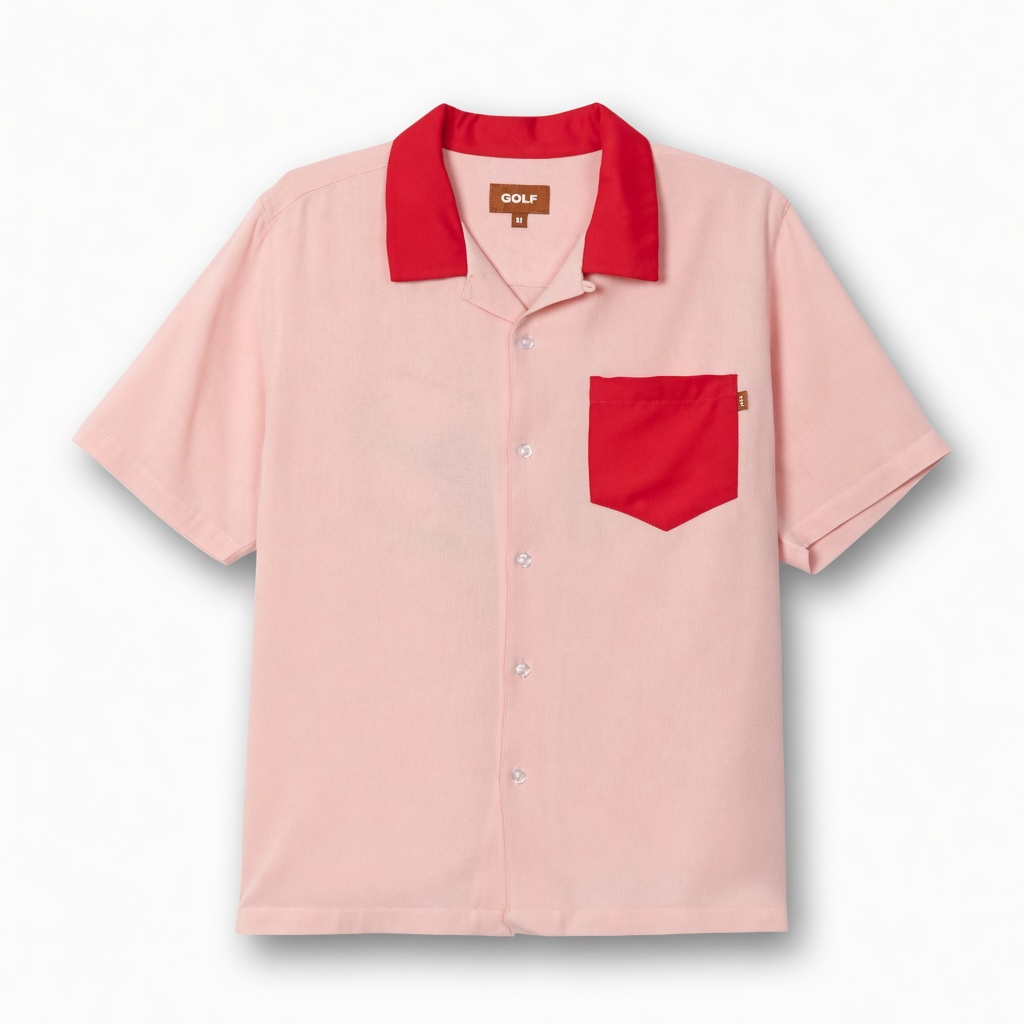
Cutout
White background + natural shadow — the ecommerce standard.
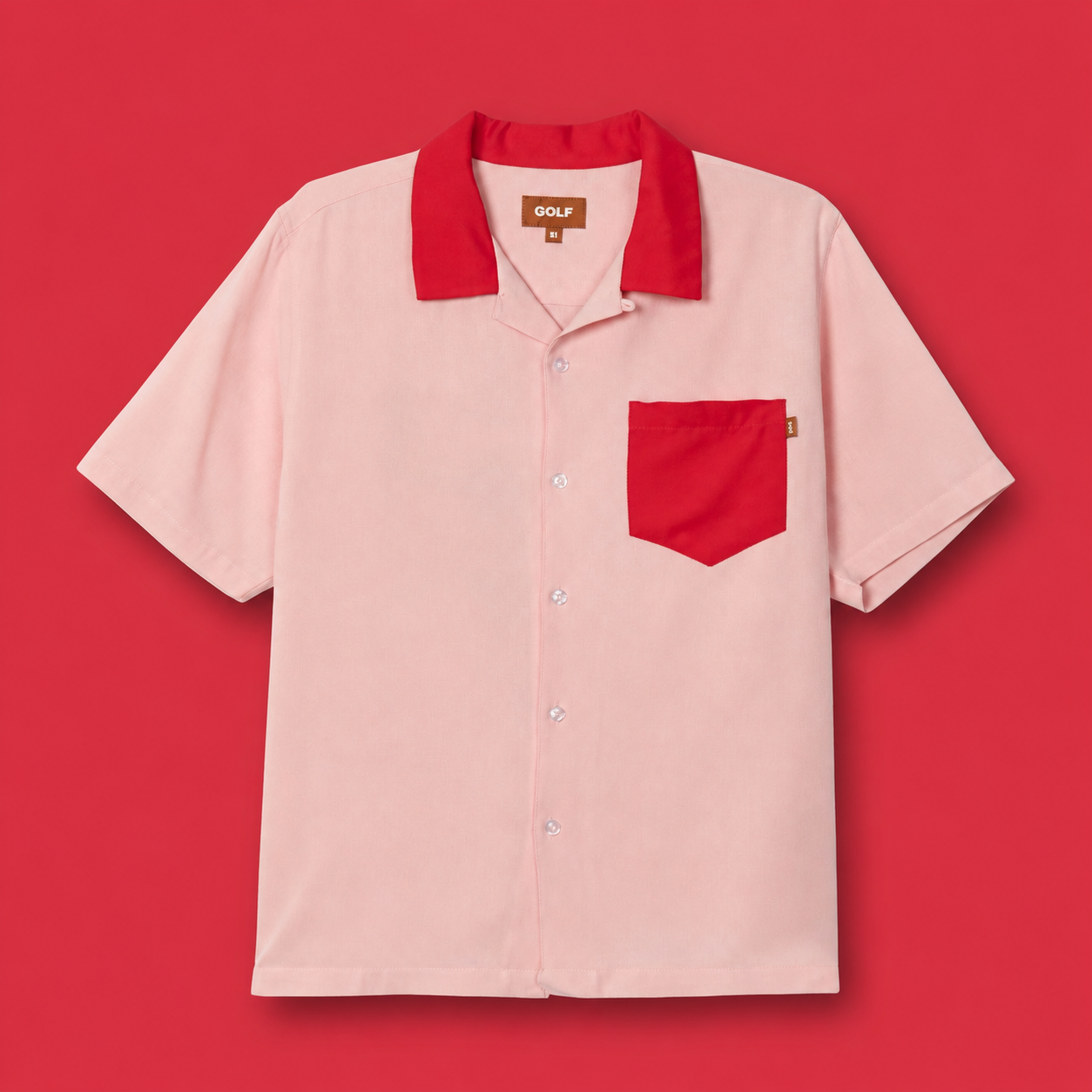
Color Block
A bold solid background — a brand color that stops the scroll.
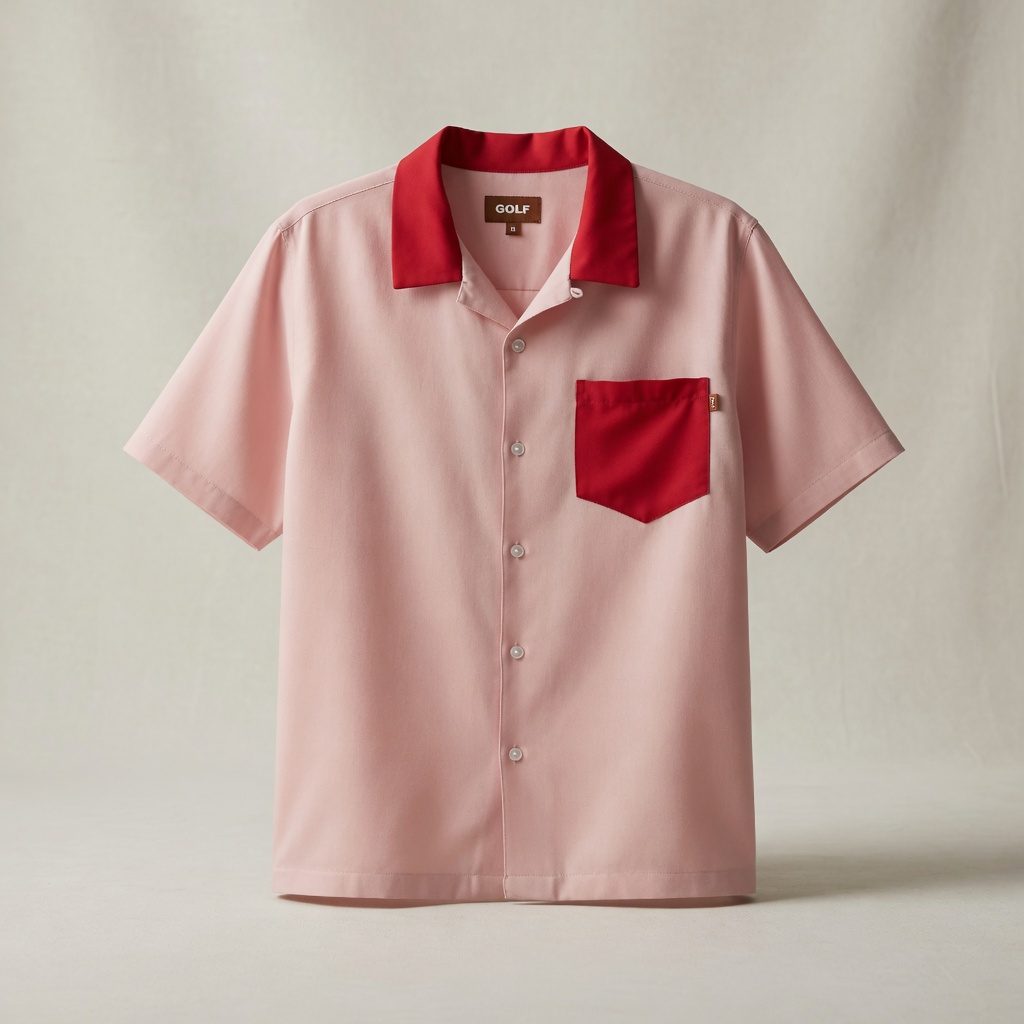
Studio
A studio set to the product, with controlled lighting.
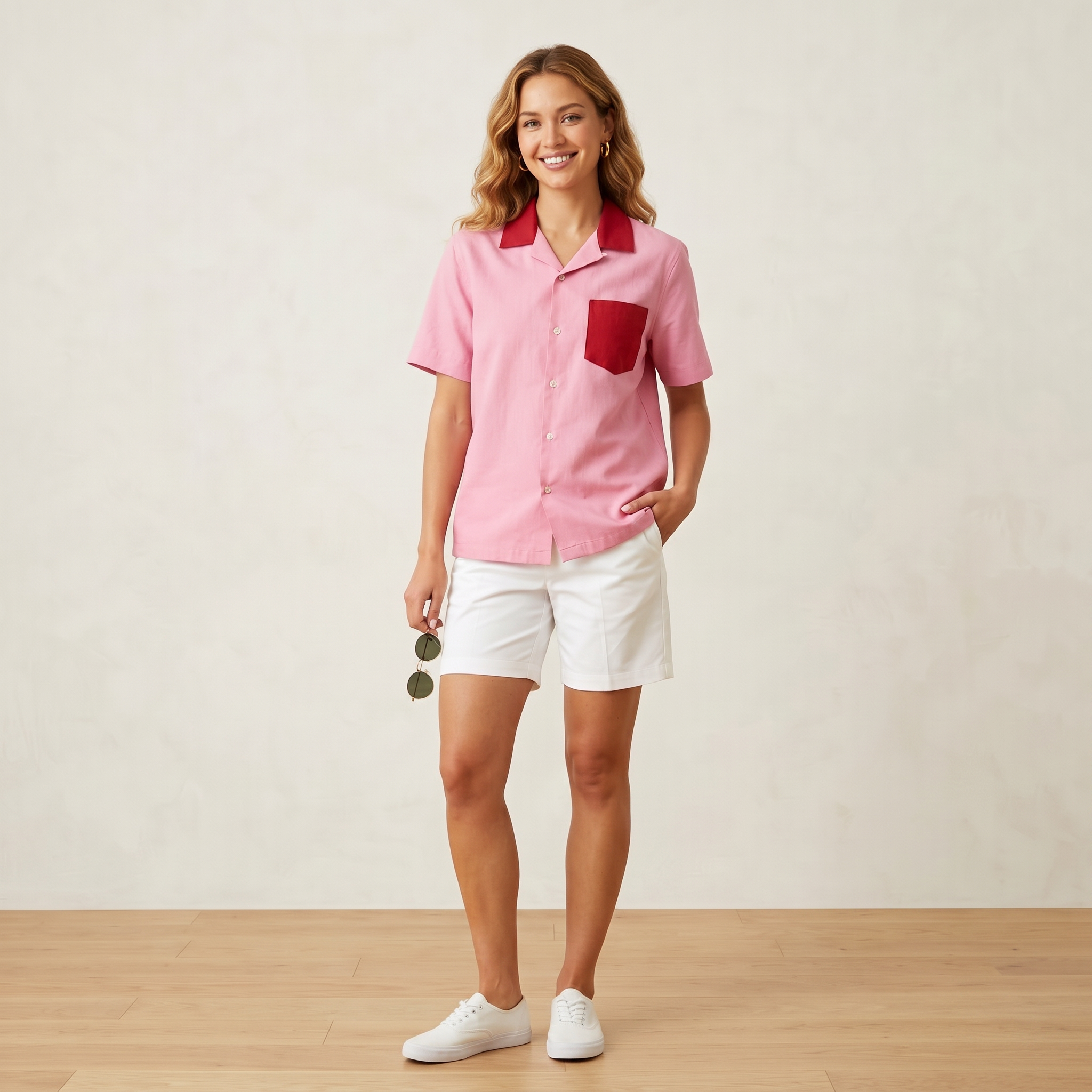
Model
With a human model — AI picks the model and pose.
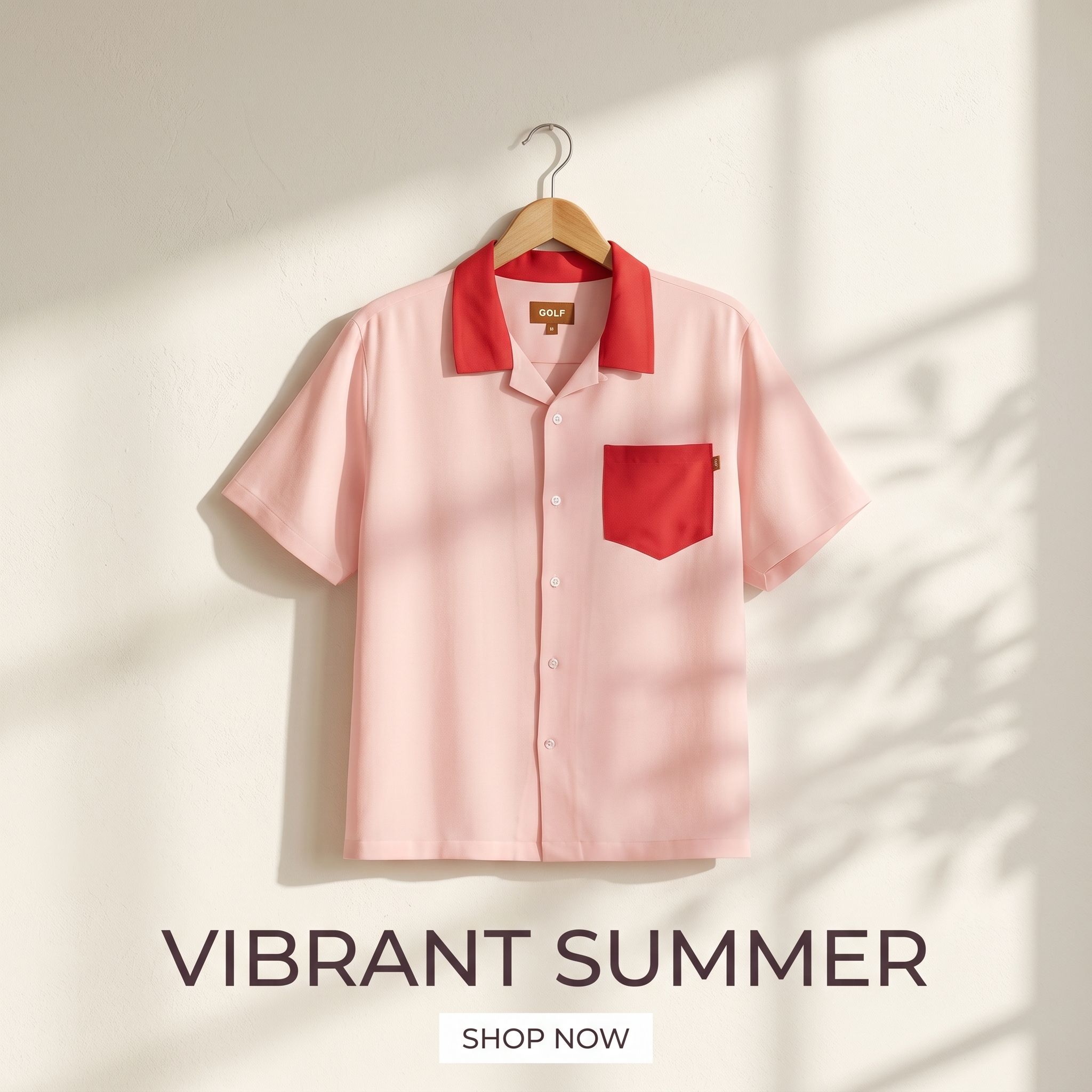
Minimal
Product + one-line copy + whitespace — a clean commerce default.
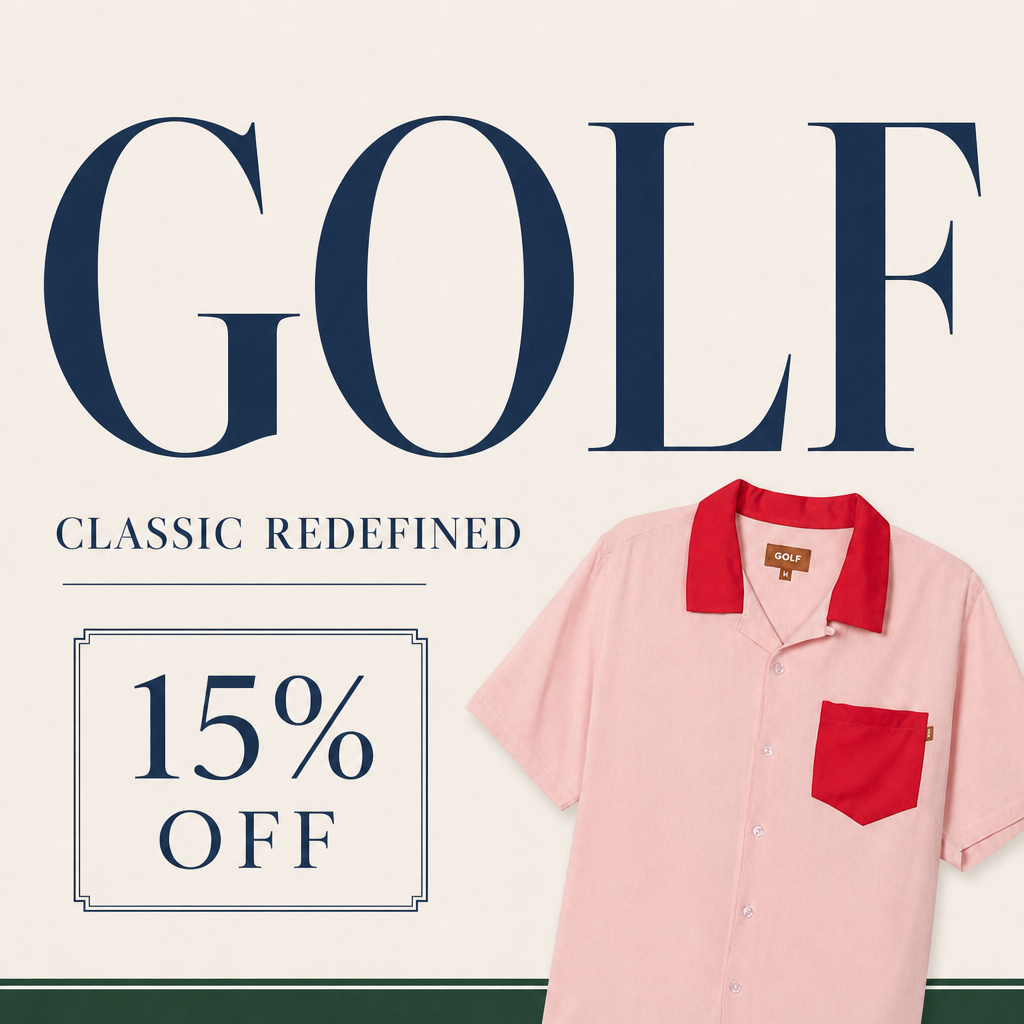
Offer
Discount, price, badge, strong CTA — for conversion and retargeting.
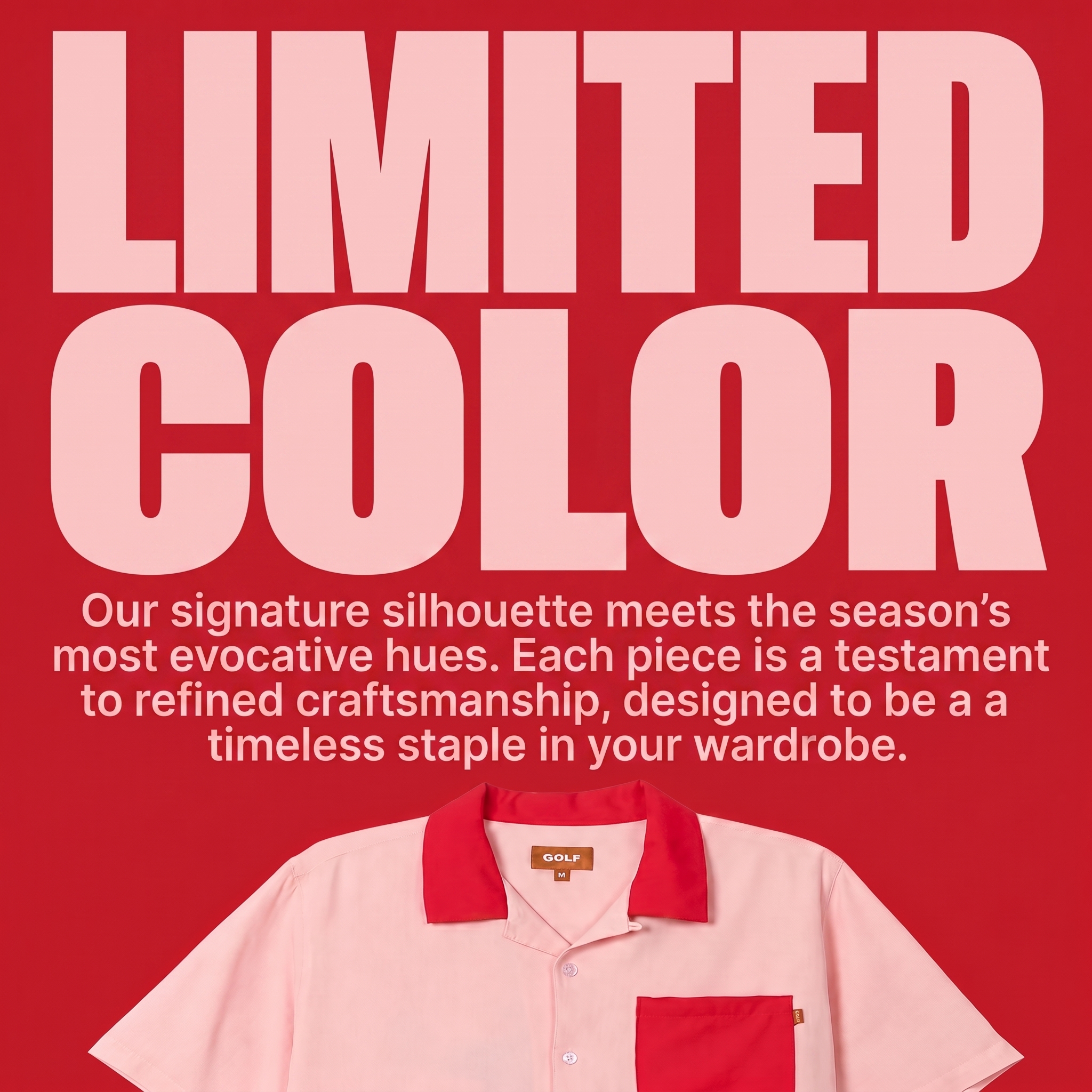
Explain
Strong typography for specs, features and USP.
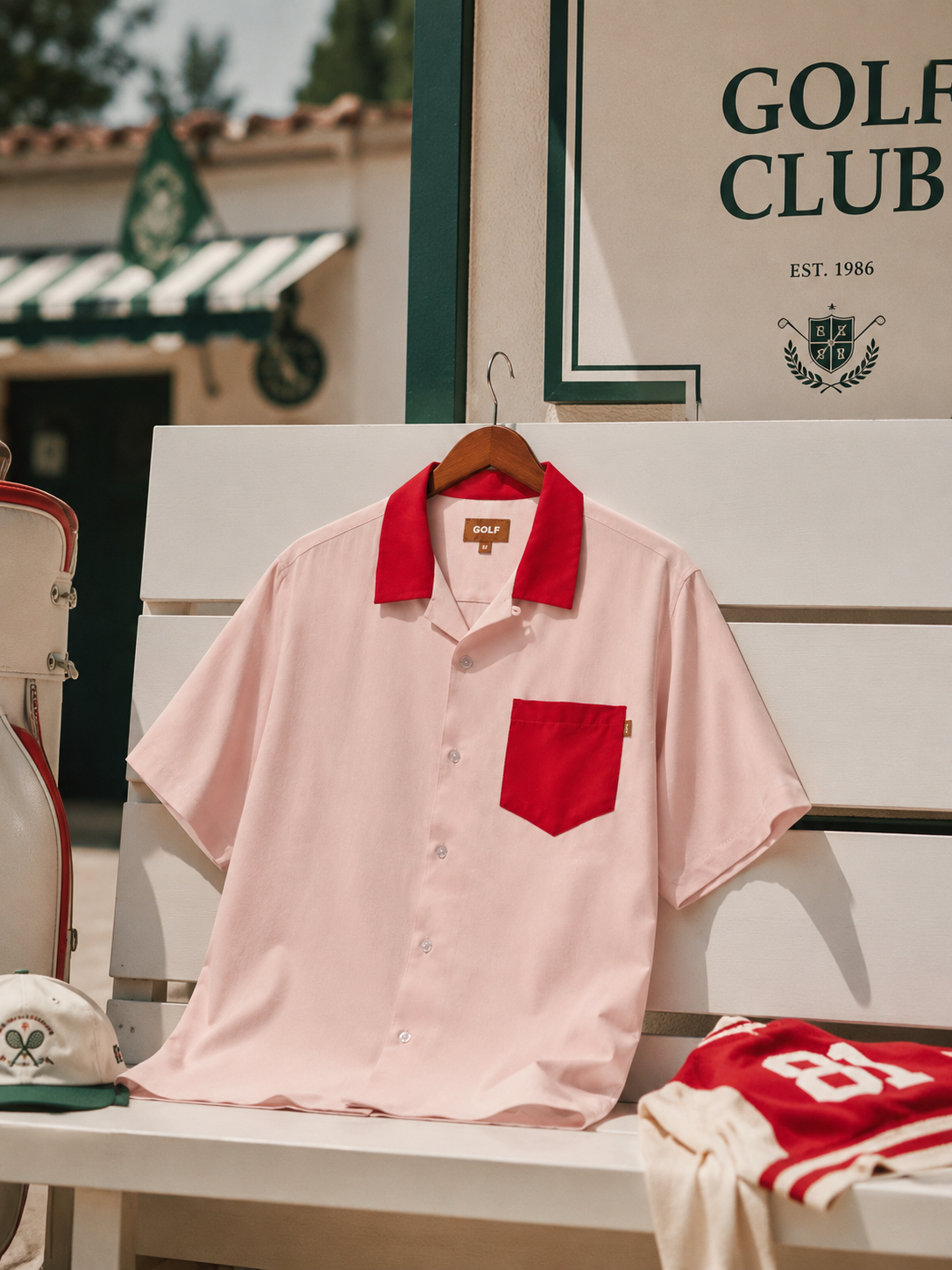
Concept
Moodboard / concept art — brand worldview and mood.
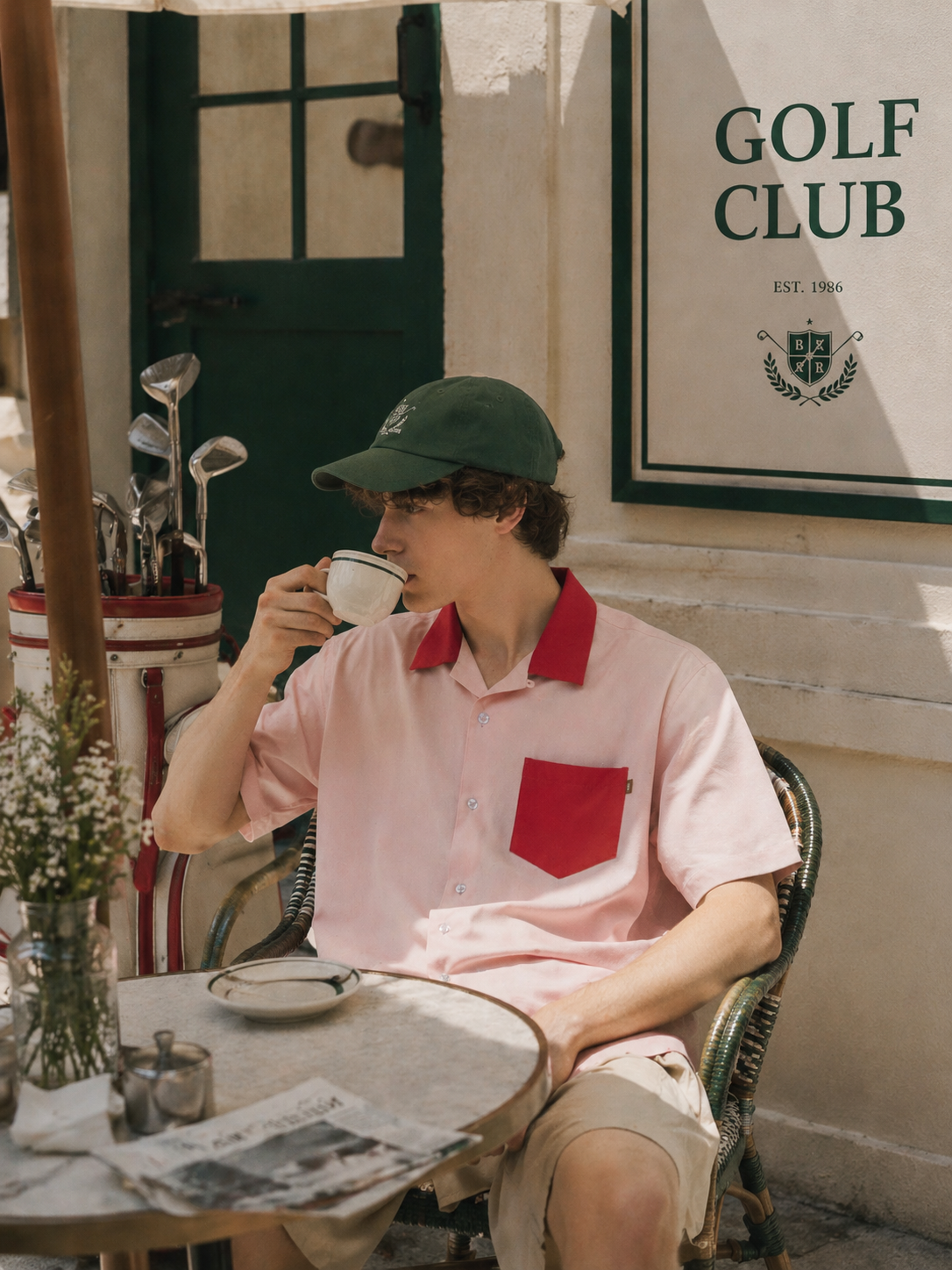
Lifestyle
Real-life context, natural light, everyday mood.
It helps to group them in three: product-led (cutout, minimal, studio — make the product crisp), people/context-led (model, lifestyle — trust and relatability), and message-led (offer, explain, color block, concept — push price, info or brand).
The effective visual differs by platform
This is the crux. There is no single "best style" — only "this style for this platform."
- Meta (Instagram, Facebook): visuals with people and everyday life are strong. Lifestyle, model and testimonial tones perform, and there's plenty of data that UGC-style creative beats polished brand ads on CTR and conversion. Hook fast, problem→solution.
- TikTok: the more polished, the worse. Raw, native-looking visuals win. It's the classic place where a creative that worked on Instagram doesn't work on TikTok.
- Google (Display, Search): the audience already has intent, so a crisp cutout, a spec-forward explain, or a discount-led offer convert well.
Specs differ too — Meta feed is 1:1, Stories and Reels are 9:16, Google Display defaults to 16:9 (ad format specs by platform). So once you pick a style, adapting it to each platform's sizes is part of the same job.
Which style fits my product — match by goal
| Goal / situation | Recommended styles | Fits these platforms |
|---|---|---|
| Ecommerce conversion (selling a product) | Cutout, Minimal | Marketplaces, Google, Meta feed |
| Sale / retargeting | Offer | Meta retargeting, Google Display |
| Brand awareness / launch | Concept, Color Block | Instagram, Display |
| Trust / relatability (fashion, beauty) | Model, Lifestyle | Meta, Instagram, TikTok |
| Spec / high-consideration products | Explain | Google Search & Display |
| Premium / mood | Studio, Concept | Instagram, brand campaigns |
One more thing — don't stop at one style
This is where "creative diversity" pays off. Run one product as a single cutout and the algorithm has exactly one card to match. Put two or three styles up at once and let the algorithm find which one lands with which audience — that's the standard play. The only catch is that shooting and designing those several versions every time is hard.
How Imagefactory does it
- Upload one product cutout.
- Pick from the nine styles above (or let Explore blend them) and generate in one click — getting creative diversity without a shoot or a designer.
- Adapt the ones you like across 1,400+ placement sizes. The product and text are preserved, and per-platform safe zones and specs are applied automatically.
- The detailed how-to for turning a product photo into a staged visual is in this post; finishing a creative into a clean banner is covered here.
The "per-platform optimization + creative diversity" the research keeps describing can start from one product cutout and finish in one place. Try staging your own product in nine styles with a 14-day free trial.